Local first

Book app without mandatory cloud, with local backups and optional backup add-on

Booky is intentionally built so that core features work without cloud being required. Library, wishlist, reading progress, local backups, and export all work locally on the device. Google cloud backup remains an optional add-on.

Start right away

Open Booky on Google Play now

The official listing takes you straight to the Android app without extra steps.

Official Android download

Get it on Google Play
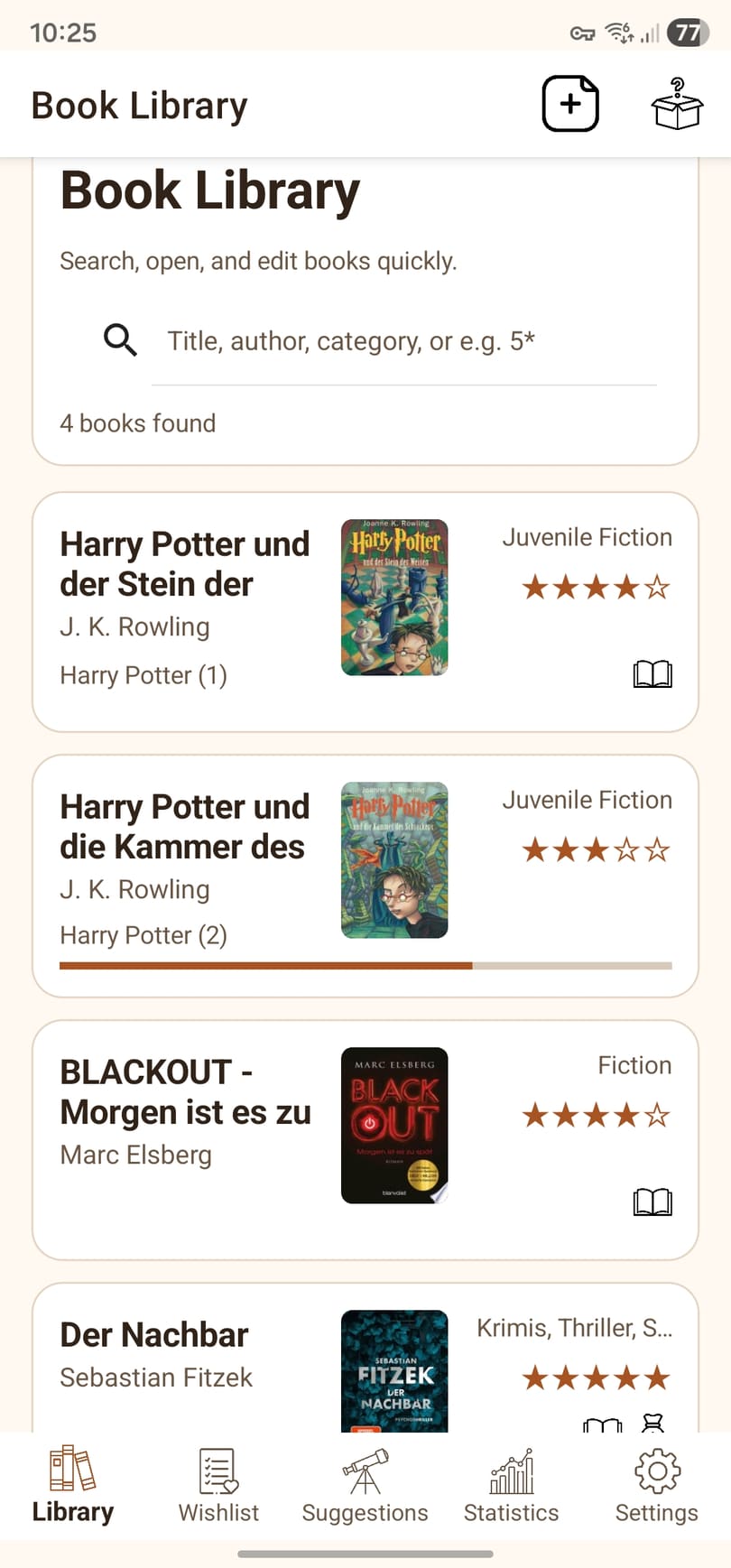
Library view of the Booky Android app in English
Library in Booky

Your collection, covers, and search stay easy to scan inside the library view.

Benefits

Why local-first use matters for many readers

For private book collections, trust often matters as much as convenience. That is why Booky starts with local storage and only reaches outward where you explicitly want it to.

Local

Your collection lives on the device first

Library, wishlist, and reading progress do not require a cloud baseline or mandatory account.

Backup

Local backups and export stay independently useful

You can create local restore points and manual exports without ever enabling the optional cloud feature.

Optional

Google Drive is an add-on, not the product model

If you want additional off-device safety, Booky uses private snapshots in the app area of Google Drive rather than an open standard folder.

Flow

How Booky approaches local data handling

The app follows a clear sequence: use locally, back up locally, and only then optionally add external protection.

1

Work locally

Your collection, wishlist, ratings, notes, and reading data live on the device first.

2

Safeguard locally

With local backups and exports, you decide when and how to keep additional copies outside the live state.

3

Enable cloud only if you need it

If you want an extra off-device restore option, you can explicitly switch on Google cloud backup as an add-on.

Who is it for?

Especially relevant if ...

This page is for you if you are deliberately looking for a book app without permanent cloud dependency.

  • you want to manage your collection locally on Android
  • you only want cloud features as optional and clearly explained extras
  • you care about privacy and understandable data flow
  • you want to combine export, local backups, and an optional extra backup path
Continue

More around Android, collections, and ISBN capture

These pages show how Booky combines local-first use with fast capture and structured collection management.